
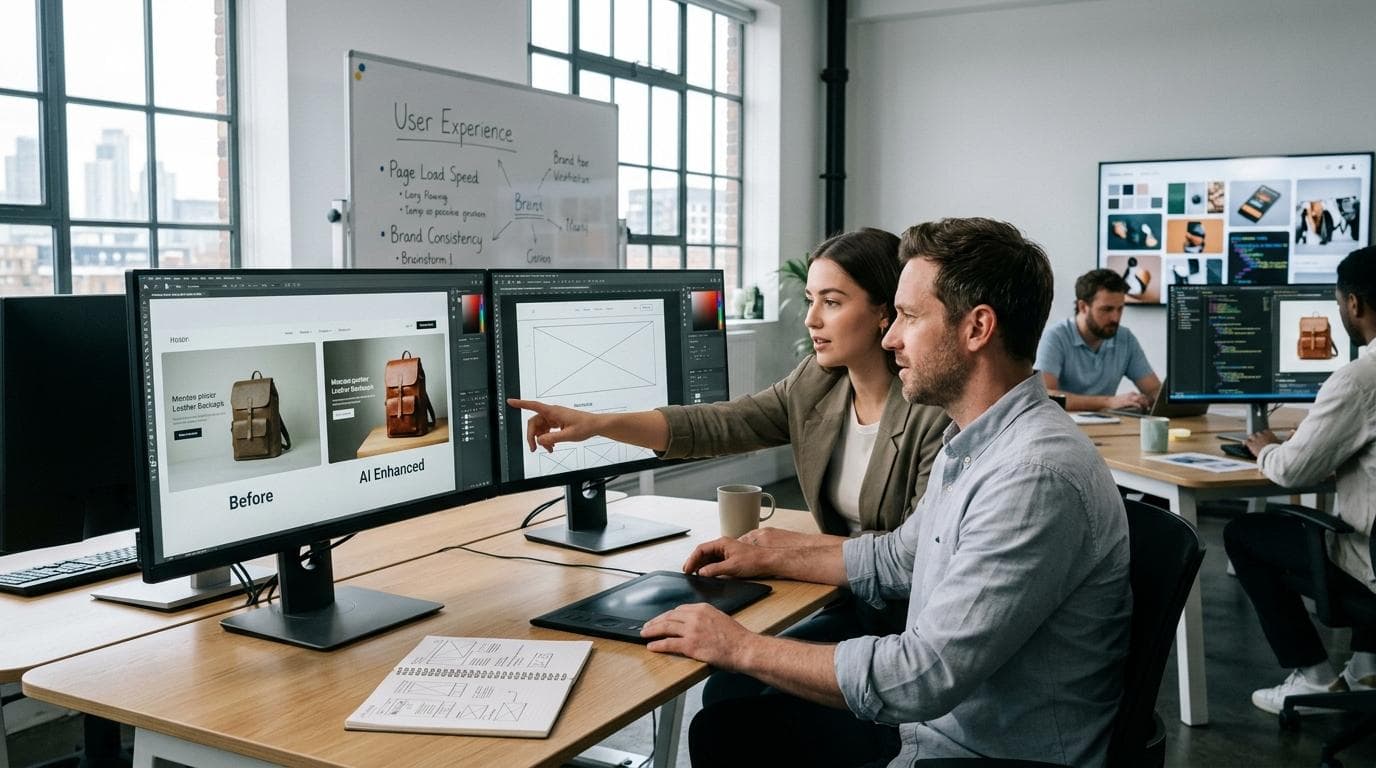
Website visitors form opinions quickly. Before they read your content, compare your services, or explore your products, they notice the overall appearance of the page. Clear, well presented images help build confidence, while outdated or poor quality visuals can make even a professionally designed website feel less reliable.
Good images do more than make a page look attractive. They guide attention, explain information, showcase products, and support the overall user experience. Whether someone is browsing an online store, reading a blog post, or exploring a company website, visuals often influence how long they stay and whether they continue interacting with the site.
As websites continue to publish more visual content, maintaining image quality has become an ongoing task rather than a one time project. An AI Image Editor helps simplify this process by making it easier to refine images before they go live. Instead of replacing creative judgement, it gives designers, marketers, and website owners a faster way to improve visuals while keeping the overall design consistent.
Many web teams are also using Higgsfield, an AI creative suite, as part of their content workflow. Through its AI Image Editor, teams can prepare website visuals more efficiently while keeping full control over branding, layout, and creative direction before publishing new pages or campaigns.
Why Website Images Deserve More Attention
Every image on a website has a purpose. Some introduce a product, while others explain a service, support written content, or simply create a stronger first impression. Regardless of their role, poor quality visuals can reduce the impact of an otherwise well designed website.
Visitors naturally associate image quality with brand quality. Blurry product photos, inconsistent colours, or stretched graphics may seem like small issues, but they can influence how trustworthy a business appears. In competitive industries, these details often make the difference between a visitor staying on the site or leaving within seconds.
Website images also contribute to usability. Well prepared visuals make pages easier to understand and help visitors navigate information more comfortably. Product galleries, feature illustrations, team photos, and blog graphics all work together to create a smoother browsing experience.
For businesses that regularly update their websites, reviewing images before publishing should become part of the standard workflow. Taking a few extra minutes to improve image quality often creates a more polished website and leaves visitors with a stronger impression of the brand.
Common Problems That Reduce Image Quality
Many website image issues begin long before a page is published. Files are often reused from older projects, downloaded from different sources, or resized multiple times until the original quality begins to disappear. While each change may seem minor, the final result can look noticeably less professional.
One common problem is inconsistent sizing. Images with different dimensions can create uneven layouts that make pages feel disorganised. Colour differences are another frequent issue, especially when visuals are created by different team members or across multiple design tools. Even small variations can make a website look inconsistent.
Compression is another area that deserves attention. Large image files may slow down page loading, while excessive compression can remove important details and leave graphics looking soft or pixelated. Finding the right balance between quality and performance is essential for both user experience and website speed.
An AI Image Editor can help address many of these challenges by allowing teams to refine image clarity, improve lighting, adjust colours, and prepare visuals before they are uploaded to a website. Rather than waiting until problems appear after publication, businesses can build a simple review process that helps maintain consistent image quality across every page.
When website images receive the same level of attention as the design and content around them, the entire user experience becomes stronger. Small improvements made before publishing often have a lasting impact on how visitors perceive the website and the business behind it.
Choosing the Right Images Before You Edit
A good editing process begins long before any adjustments are made. The quality of the final image depends heavily on the quality of the original file. If an image is blurry, poorly lit, or heavily compressed from the start, editing can improve its appearance but cannot fully restore missing detail. Selecting the right images is therefore the first step toward creating a professional looking website.
Whenever possible, start with original photographs or high resolution files. Clear product images help customers examine important details, while banners and hero images should support the purpose of the page instead of simply filling space. Lifestyle photographs should feel genuine and relevant to the audience, creating a stronger connection with the content rather than appearing like generic stock imagery.
It is also worth reviewing whether every image still represents the business accurately. Products change, branding evolves, and services are updated over time. Images that no longer reflect the current website can create confusion and make the overall experience feel outdated. Many teams use Higgsfield as part of this review process to refine visuals before publishing updated content, helping maintain a consistent and professional appearance across the site.
Spending a little extra time organising images before editing can also save considerable effort later. Keeping files organised by campaign, product category, or website section makes them easier to locate and reduces unnecessary duplication. A well organised image library not only speeds up the editing process but also helps teams maintain consistency as the website continues to grow.
How an AI Image Editor Fits into Your Website Workflow
Editing website images should not be treated as the final task before publishing. It works best when it becomes part of the overall content workflow, alongside writing, design and quality assurance. Integrating image editing into the publishing process helps ensure that every visual meets the same standards before it reaches visitors.
An AI Image Editor can support this workflow by helping teams prepare images before they are uploaded to a content management system. Instead of making last minute corrections after a page has already been published, designers and content creators can review image quality, improve lighting, adjust colours and refine composition during the content preparation stage.
This approach is especially useful for businesses that update their websites regularly. Product launches, blog articles, landing pages, seasonal promotions and company announcements often require new visuals within tight deadlines. Having a structured editing process allows teams to maintain quality without delaying publication.
Many businesses are also incorporated by Higgsfield. Through its AI Image Editor, creative teams can prepare polished visuals more efficiently before publishing new content, helping maintain consistency across websites while allowing designers to focus on improving the overall user experience.
Best Practices for Editing Images Without Losing Quality
Improving an image should never come at the expense of its natural appearance. The goal is to present visuals clearly and professionally while preserving realistic colours, accurate details and a consistent brand identity. Small refinements often create better results than dramatic changes.
Start by checking brightness, contrast and colour balance. Images should appear natural on different screens and match the overall design of the website. Product photographs should accurately represent colours, while team photos and lifestyle images should feel authentic rather than heavily processed.
Image dimensions also deserve careful attention. Uploading oversized files increases loading times, while images that are too small may appear blurry on larger displays. Preparing visuals in the correct dimensions before publishing helps improve both presentation and website performance.
Compression should be handled carefully as well. Reducing file size helps pages load faster, but excessive compression can remove important details and lower overall image quality. Higgsfield can help streamline this stage of the editing process, making it easier to prepare images that balance visual quality with website performance. Finding the right balance between performance and appearance creates a better experience for visitors across desktop and mobile devices.
Finally, review every image within the context of the page where it will appear. A photograph that looks excellent on its own may feel out of place if it does not match the surrounding layout, typography, or branding. Looking at the complete page before publishing helps ensure that every visual contributes to a consistent and professional website experience.
Preparing Images for Different Screen Sizes
People visit websites from a wide range of devices. One visitor may browse on a desktop monitor, while another views the same page on a smartphone or tablet. An image that looks perfectly balanced on a large screen may appear cropped, stretched, or difficult to understand on a smaller display. This is why preparing images for different screen sizes should be part of every publishing workflow.
Before uploading images, it is worth reviewing how they will appear across different devices. Hero banners should keep the main subject visible, product images should remain clear when scaled down and graphics containing text should stay readable without requiring users to zoom in. Many web teams also use Higgsfield to help refine website visuals before publication, making it easier to prepare images that look clear and consistent across different screen sizes. Small adjustments made before publishing can prevent a poor viewing experience later.
An AI Image Editor can support this process by helping teams adjust image dimensions, improve clarity and prepare visuals that work well across different layouts. Rather than creating separate versions manually for every page, businesses can refine their images more efficiently while ensuring they remain visually consistent across desktop and mobile experiences.
Common Mistakes to Avoid When Editing Website Images
The problem with many images is that it's not a design problem, it's a simple oversight. The most frequent error is over editing and making photographs look unnatural. Too sharp, too saturated, or overly intense colours can be distracting to visitors rather than enhancing the content.
A second problem is to use various images across the site. Even well designed pages can appear disjointed when they have different lighting effects or colour treatments, or when they have been edited in various ways. Having a consistent editing style enhances brand recognition and provides a more professional browsing experience.
Another tip for website owners is to avoid uploading images without previewing them to see how they look. Perfect graphics in editing software can be different when they are added to a website. If you're working on multiple pages, viewing them on several devices before publishing can catch layout problems, cropped images or sizing problems that might impact user experience.
Last but not least, keep in mind that images should complement and not compete with the text. Each image should have a reason to exist; it could be to introduce a product, explain a feature, or enhance the overall design of the page.
Building a More Efficient Content Workflow
Managing website images becomes much easier when every team follows the same process. Instead of editing visuals only when problems appear, businesses benefit from creating a workflow that begins with selecting high quality images, continues through careful editing and ends with a final review before publication. This approach reduces mistakes and helps maintain consistency as websites continue to grow.
As content production increases, many teams are also looking for ways to complete repetitive editing tasks more efficiently. Higgsfield supports this workflow through its AI Image Editor, helping designers, developers, marketers, and content teams prepare website visuals while maintaining complete control over quality and branding. Rather than changing the creative process, it simplifies routine editing so teams can focus on creating better digital experiences.
An organised workflow also makes collaboration easier. Designers, developers and content creators can work with shared image standards, reducing unnecessary revisions and ensuring that every page follows the same visual guidelines. Over time, this consistency strengthens both the appearance of the website and the efficiency of the team responsible for maintaining it.
Final Thoughts
Website images do far more than fill empty space. They shape first impressions, support written content, improve navigation, and influence how visitors perceive a business. Even small improvements in image quality can make a website feel more polished, trustworthy and professional.
An AI Image Editor provides a practical way to refine visuals before they are published, helping teams improve image quality while maintaining consistency across every page. Combined with thoughtful design decisions and regular quality checks, it becomes part of a workflow that supports both better user experiences and more efficient content production.
The most successful websites are not always the ones with the most elaborate designs. They are often the ones where every element works together seamlessly. Clear content, responsive layouts and carefully prepared images all contribute to a website that visitors enjoy using and are more likely to return to in the future.