
Everyone has a notebook margin full of little doodles — a weird creature, a rough character, a shape that just felt right in the moment. Most of them stay exactly that: quick, unfinished sketches that never go anywhere.
An AI image generator online can change that story entirely, taking a rough doodle and rendering it as a fully detailed, polished illustration.
Dreamina excels at this kind of transformation, preserving the charm and personality of the original sketch while adding the texture, shading, and detail a finished piece needs. Here's how to give your doodles the finish they deserve.
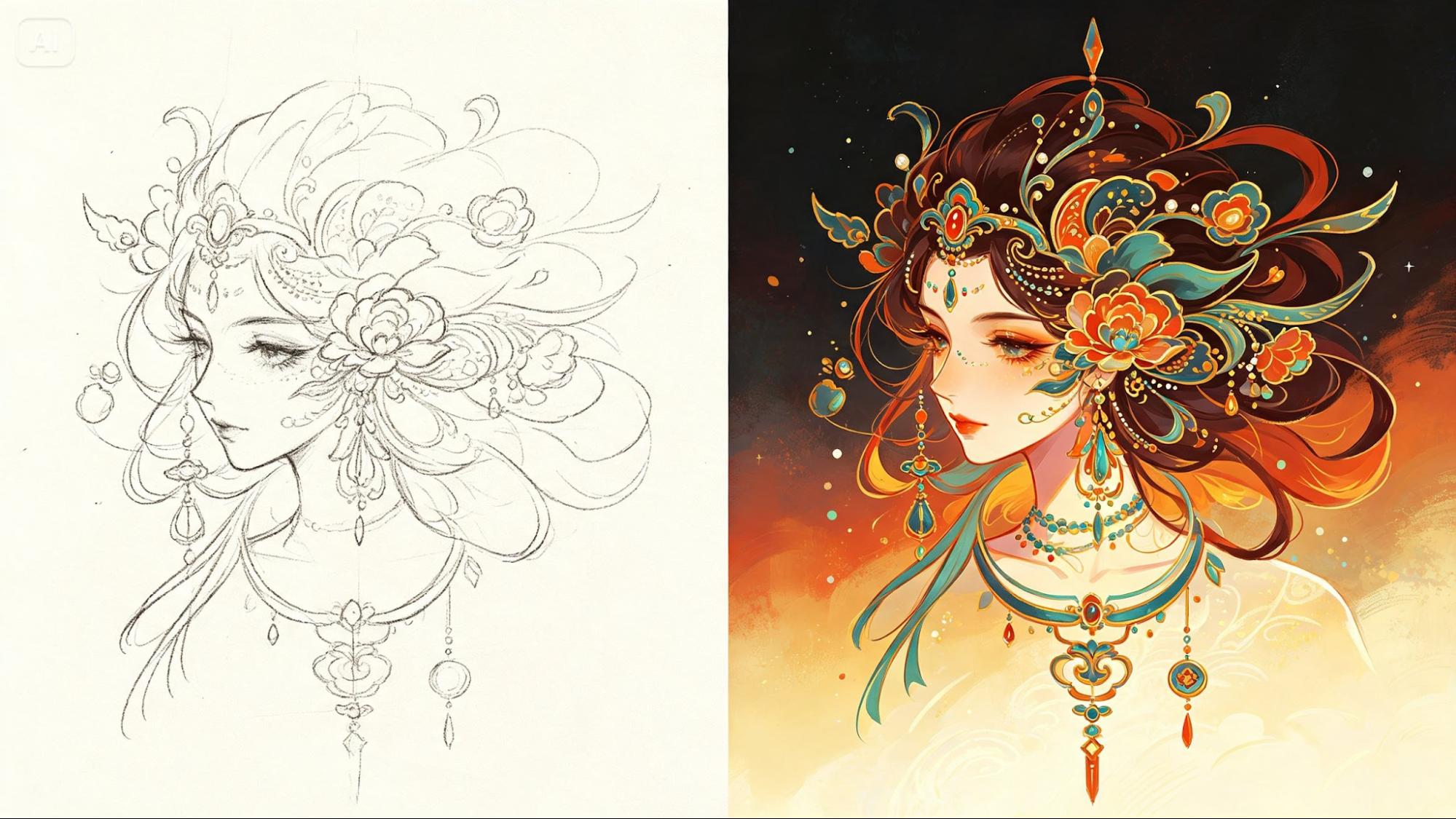
Why a rough sketch is more valuable than a blank prompt
A doodle already contains something a text description alone can't fully capture — proportion, personality, and a specific sense of character captured in a few quick lines. Starting from that sketch rather than from scratch means the final illustration keeps the spirit of your original idea instead of becoming something generic.
What makes a doodle worth developing
Not every scribble needs to become a finished piece, but a few qualities usually signal a doodle is worth the upgrade:
- A distinct silhouette or pose, even if roughly drawn
- A clear personality suggested through expression or posture
- A simple but memorable concept rather than a complicated scene
Describing your sketch in words that match the lines
When writing your prompt, describe what the doodle is trying to be rather than just what it literally shows. A blobby shape with two dots might be "a shy round creature with big curious eyes" — that kind of interpretive language helps the model understand intent, not just geometry.
From scribble to finished art in three moves
Dreamina makes this transformation feel almost like magic, especially the first time you see it happen.
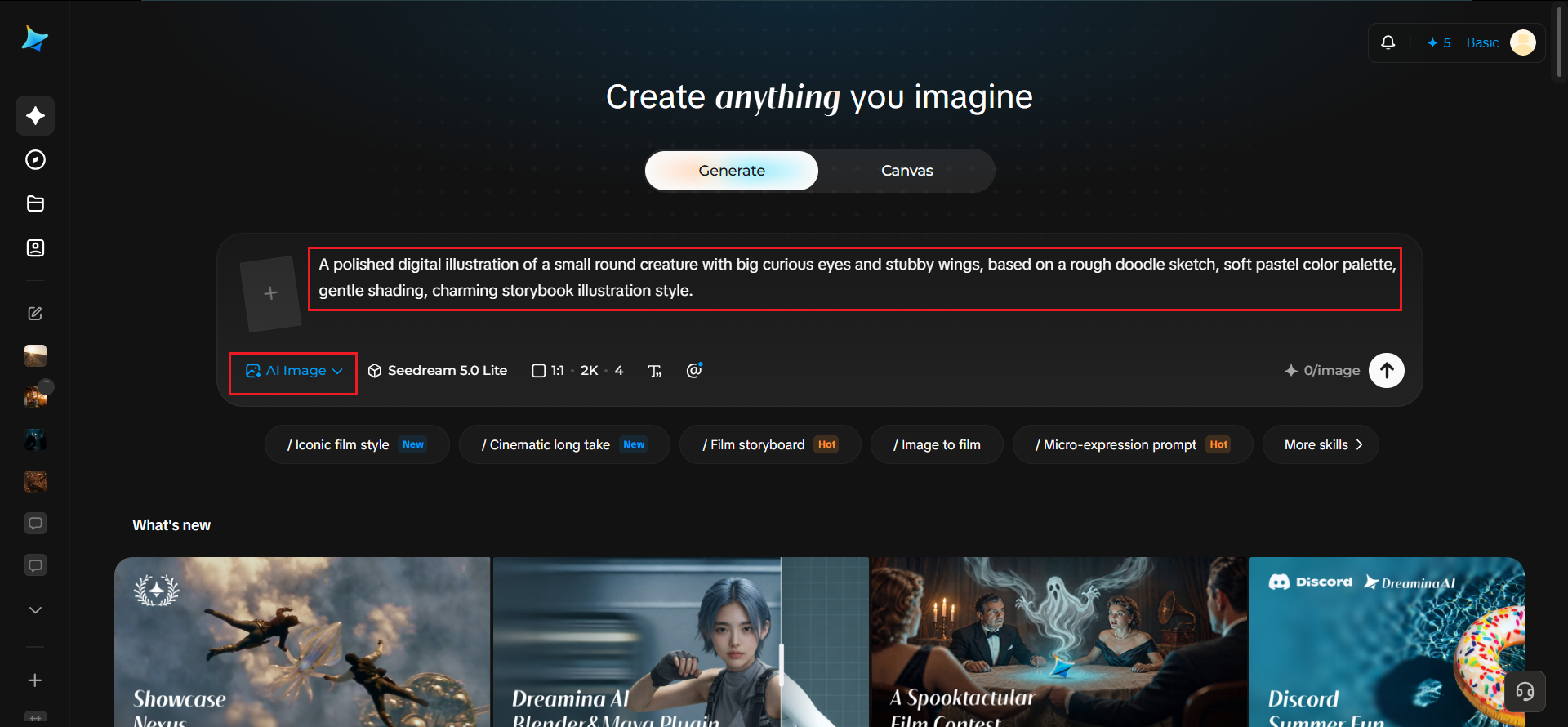
Step 1: Write a text prompt
Head to Dreamina, upload a photo of your doodle as a reference image, and write a detailed text prompt describing the character or scene you envisioned when you drew it — including personality, color, and style.
For instance: A polished digital illustration of a small round creature with big curious eyes and stubby wings, based on a rough doodle sketch, soft pastel color palette, gentle shading, charming storybook illustration style.
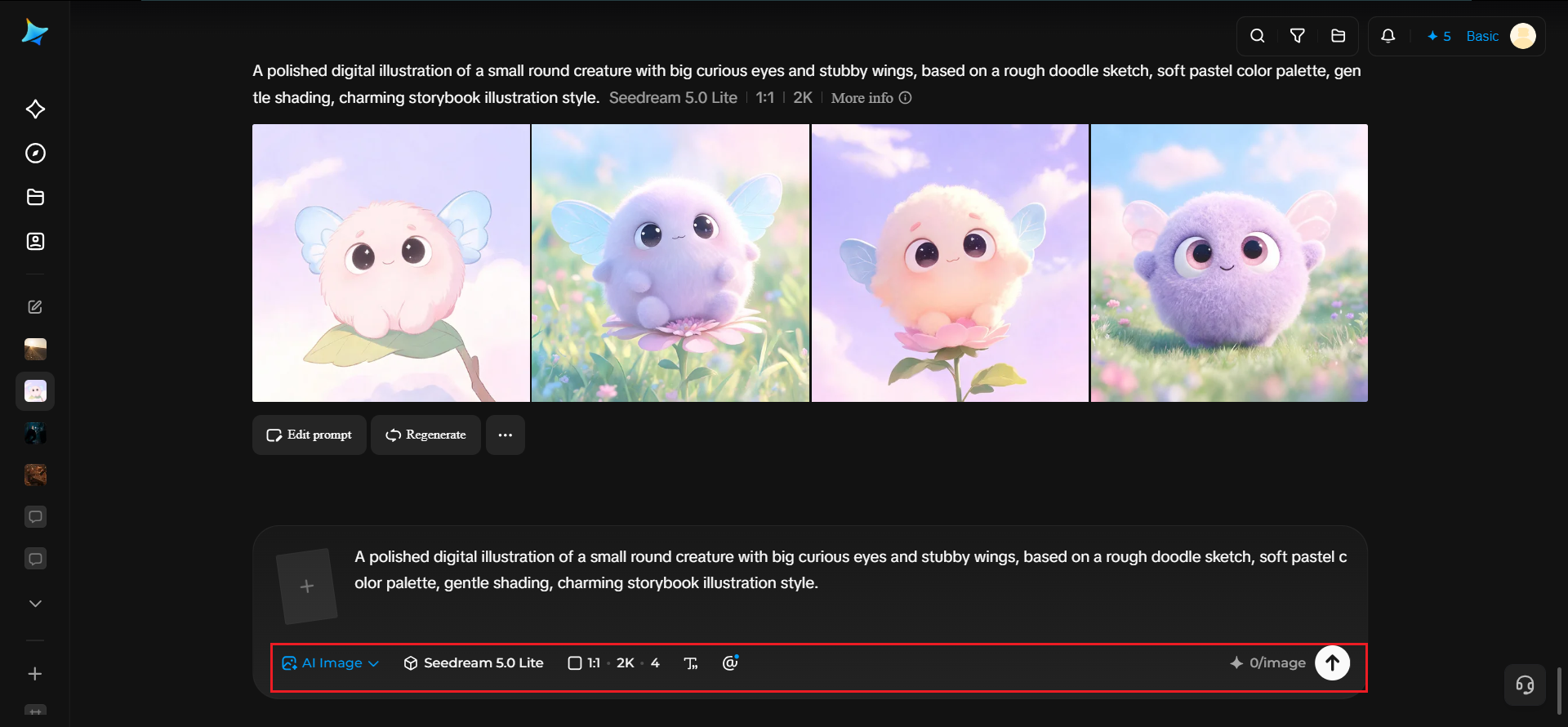
Step 2: Adjust parameters and generate
Choose Image 5.0 Pro, powered by Seedream 5.0 Pro, for detailed shading and faithful interpretation of your reference sketch, then set your aspect ratio, canvas size, and resolution — 1K for a quick look, 2K for a portfolio-ready piece. Click Dreamina's generate icon to bring your doodle to life.
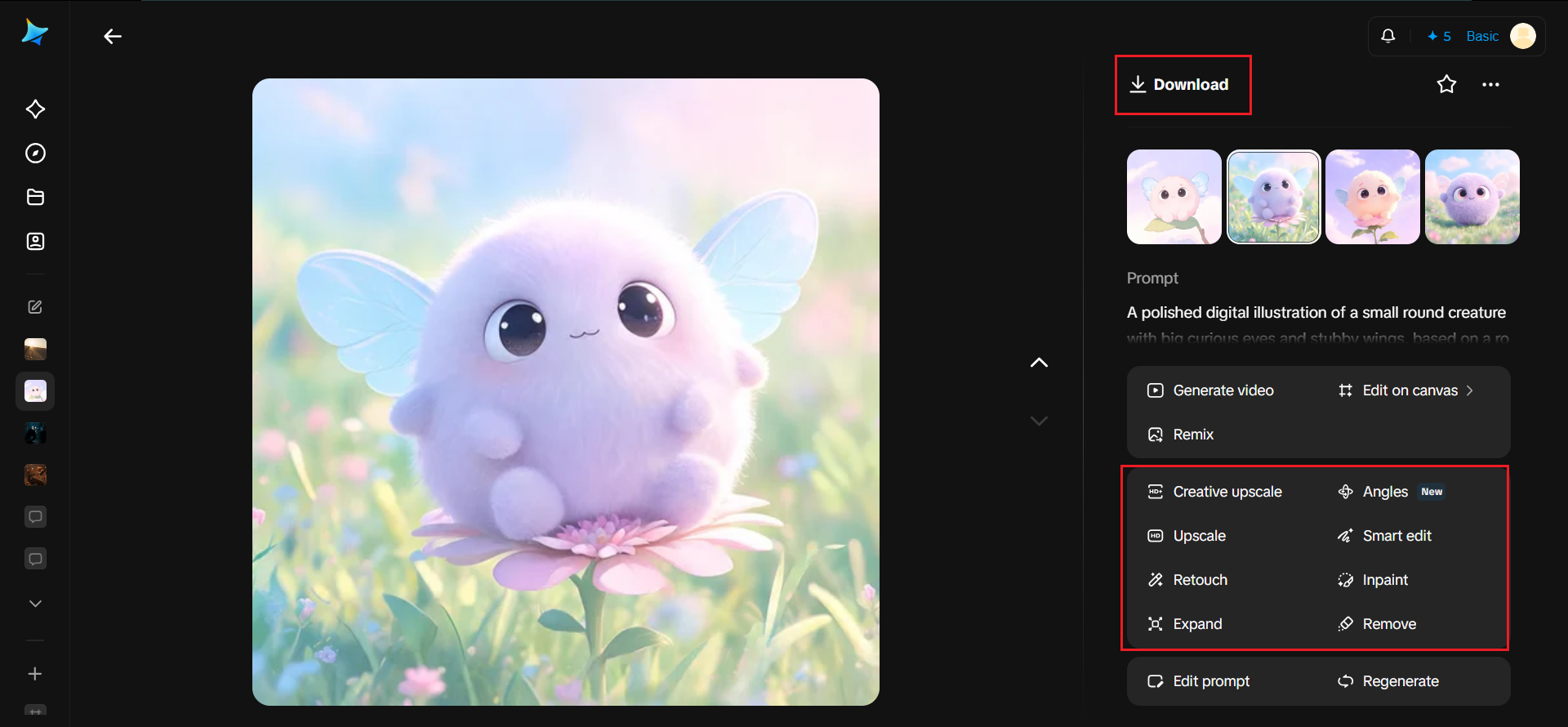
Step 3: Customize and download
Polish the result using Dreamina's editing tools: inpaint to adjust specific features, expand to add more surrounding scene, remove to clean up any odd artifacts, and retouch for a final smooth finish. Once you're happy with it, click Download.
The models behind Dreamina's illustration quality
Dreamina isn't limited to one engine — it offers several image generation models, and understanding their differences helps you pick the right fit for doodle-based work.
Seedream 5.0 Pro, the newest and most capable option, tends to work best here because it reads reference sketches accurately and translates rough shapes into confident, detailed linework without losing the original charm.
Nano Banana renders quickly, which is useful when you're developing a whole sketchbook's worth of doodles and want to preview several before picking favorites.
GPT Image 2 handles prompts with layered personality descriptions well, useful when your doodle needs a lot of character explanation to come through clearly.
Choosing a finished style that fits the doodle's energy
A goofy, loose doodle usually looks best kept goofy and loose in its finished form — smooth painterly shading, playful colors, exaggerated proportions. Forcing a silly sketch into a hyper-realistic render often strips away exactly what made it charming to begin with, so let the final style echo the original energy.
Building a cast from a page of scribbles
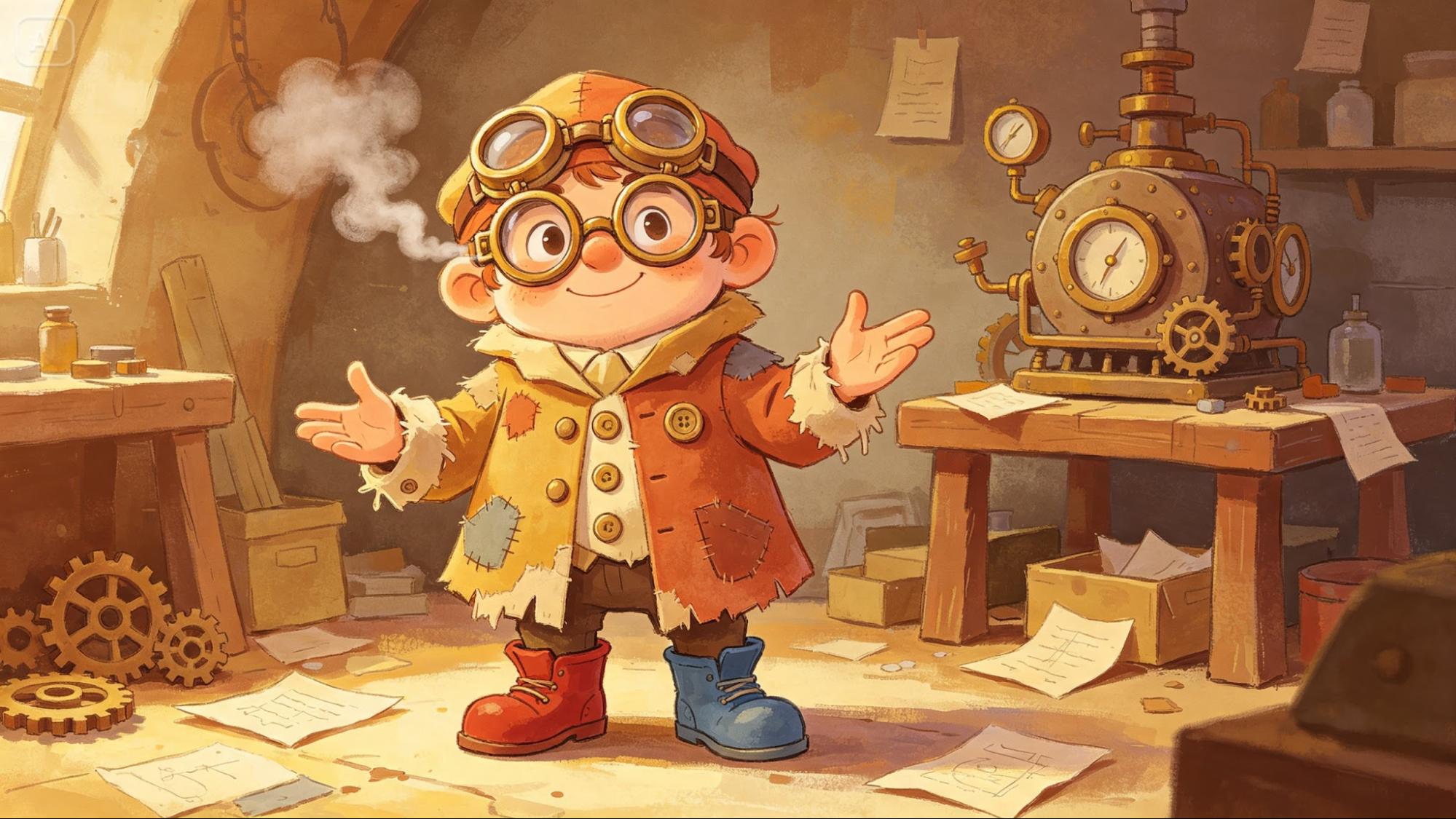
A single notebook page often has several small doodles worth developing. Treating them as a connected cast — same art style, same color logic — turns a random collection of sketches into something that feels like an intentional character lineup.
Keeping a doodle-to-illustration workflow going
Turning one doodle into a finished piece is satisfying, but the real payoff comes from doing it repeatedly:
- Photograph your sketchbook pages as you fill them. A quick phone photo after each session means you're never digging through old notebooks to find "that one doodle" months later.
- Tag doodles as you go. Even a simple note — "grumpy," "mascot idea," "for stickers" — makes it easy to batch similar characters together later instead of processing sketches one at a time.
- Set a recurring habit, not a one-off project. Picking one doodle a week to develop keeps the backlog from piling up and gives you a growing, consistent cast over time rather than a handful of disconnected experiments.
- Revisit early illustrations as your prompting improves. A doodle rendered early on is worth another pass later — the same sketch often comes out noticeably stronger once you've learned what language and settings work best for your style.
Where these finished illustrations find a home
Developed doodles show up in a surprising number of creative projects:
- Personal branding and social media avatars
- Sticker packs and merchandise designs
- Children's book or webcomic character development
- Framed prints celebrating a specific sketchbook era
Every doodle deserves its moment
That little creature drawn in the margin during a boring meeting might be more interesting than you realized. With Dreamina and the detail-rich rendering of its AI algorithms, turning a rough scribble into a genuinely polished illustration takes minutes, not months of practice — and it's free to try on your very next doodle.