
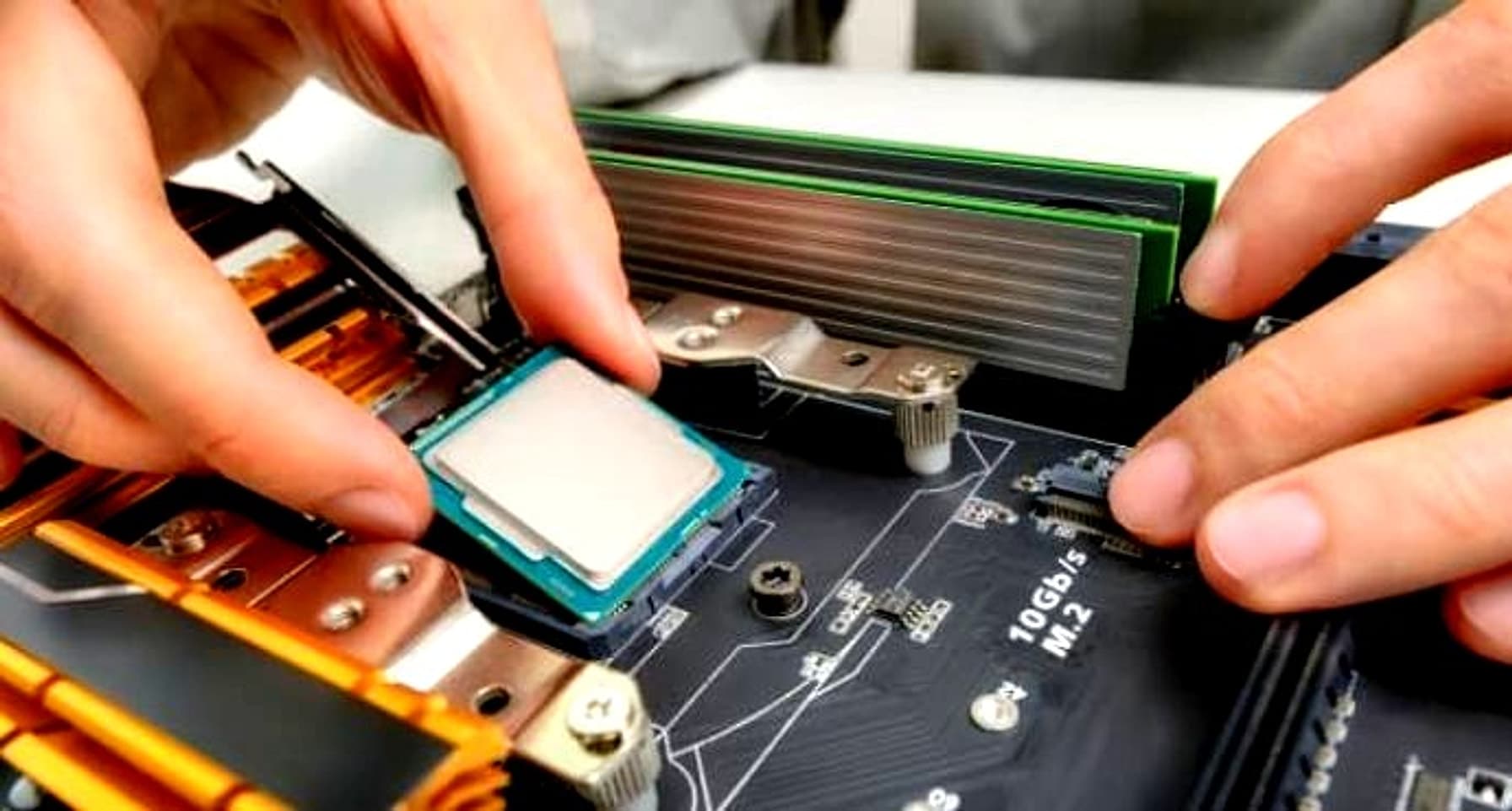
Development speed depends on more than the code you write, and underpowered hardware places a limit on that speed which no amount of software tuning can overcome.
Developers who continue working around this limitation rather than addressing it lose hours every week to waiting, and that lost time results in slower releases and reduced output.
This guide covers the hardware upgrades most likely to address that limitation, along with the point where local hardware reaches its limits and other parts of the stack take over.
Upgrade Your RAM to Handle Heavier Workloads
Memory shortages show up as swap activity, and swapping to disk turns simple actions like switching between an editor and a browser into a noticeable delay.
A development setup runs several memory-heavy processes at the same time. For example, it can run:
- an IDE with language servers loaded
- a local database
- one or more containers
- a browser with many open tabs for documentation and testing
Each process uses a share of available memory, and once the total exceeds what is installed, the operating system starts paging to disk, which operates at a fraction of the speed of RAM itself.
Adding memory addresses this issue directly. On Apple silicon Macs, memory ships fixed on the logic board, so the upgrade path means choosing a configuration with more unified memory at purchase rather than adding a module later.
On Intel-based Macs, physical memory upgrades remain possible on several models, and reviewing how to upgrade on Mac covers diagnosing memory pressure and weighing your options before deciding between an upgrade and a new machine.
Windows and Linux machines offer more flexibility here, since most desktop towers and many laptops still use socketed memory modules that can be swapped or expanded without replacing the whole system.
Upgrade to an NVMe SSD for Faster Builds
A slow drive affects every part of a development workflow that involves the filesystem. Cloning large repositories, installing dependencies, building Docker images, and running test suites against a database all involve heavy read and write activity. On an older SATA SSD or a mechanical drive, these tasks take longer, and that additional time compounds across a workday.
NVMe drives significantly reduce this gap. Sequential and random read speeds are considerably higher compared to SATA, and the difference is most apparent in tasks with thousands of small file operations, which describes most package managers and build tools. If your current machine supports an NVMe upgrade, this is one of the upgrades with the shortest payoff period relative to cost.
Upgrade Your CPU for Parallel Workloads
A faster clock speed helps with single-threaded tasks, but modern build tools, bundlers, and test runners distribute work across cores whenever possible. A processor with more cores reduces compile times for large projects, speeds up parallel test execution, and keeps the system responsive while a background build runs.
Developers working with virtualization, running multiple containers, or compiling native code for several architectures benefit the most from additional cores, since these workloads scale closely with core count.
Anyone doing occasional scripting or lightweight editing will notice a smaller difference from a CPU upgrade alone, which makes this a component worth evaluating against your actual daily workload rather than upgrading as a default choice.
Add a Second Display to Your Setup
Screen space has a direct effect on context switching. Keeping a browser, terminal, and editor visible at the same time reduces the need to switch between windows dozens of times an hour, and that reduction adds up over a full day of coding. A second monitor, or a single ultrawide display, provides enough room to keep documentation open next to the code that references it.
For anyone building responsive interfaces, a second display also provides room to preview a site across device sizes while continuing to work in the code. Selecting the right combination of tools for that kind of testing is worth a separate look, and our breakdown of the best responsive design testing tools covers the options for developers who need to check layouts across screen sizes without reaching for a physical device each time.
Upgrade Your Router and Network Hardware
Local development increasingly depends on network calls, whether that means pulling containers from a registry, syncing with a remote database, or running a monorepo across multiple services on a local network. A router or switch that struggles under load introduces delays that resemble application slowness but originate from packet loss or congestion.
Upgrading to hardware that supports faster local speeds and handles multiple simultaneous connections without dropping packets addresses a source of delay that is rarely diagnosed correctly, since the symptoms resemble other performance problems.
Hardware Isn’t Always the Bottleneck
Upgrading a development machine with more memory, a faster SSD, or additional CPU cores improves everything that happens locally.
Once an application is deployed, its responsiveness depends just as much on the server environment it runs on. If page loads or deployments remain slow despite capable local hardware, the hosting provider deserves a closer look.
Learning how to choose a web hosting service helps confirm that a site has the processing power, storage, bandwidth, and reliability to match the improvements made on the development side, since local performance and production performance depend on entirely separate sets of resources.
Match the Upgrade to the Work You Do
None of these upgrades operate in isolation. Memory prevents swapping, storage speed reduces filesystem delays, additional cores support parallel builds, a second display reduces context switching, and reliable networking hardware prevents remote issues from appearing as local ones.
The right combination depends on the kind of development work involved rather than a generic checklist. Reviewing where time is actually lost during a typical week identifies the upgrade with the most immediate payoff, and pairing that with attention to the hosting side of a project aligns local performance and production performance.